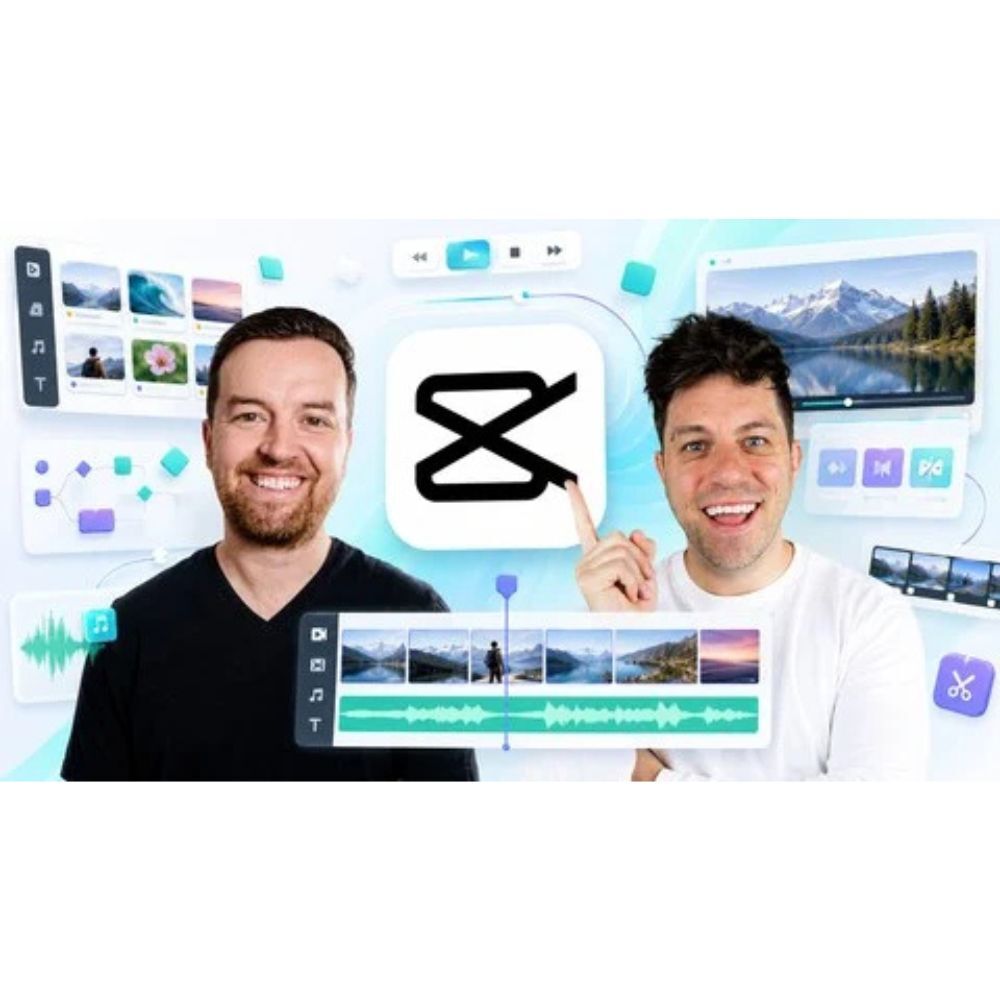
Video Editing in CapCut | Beginner to Pro | Desktop + Mobile
Member Access: This course is available inside the GetMasterCourse membership library. Active members can request access based on their membership plan and daily course request limit. If you are not a member yet, view the membership plans to get started.
This course teaches members how to create engaging and professional videos using CapCut, a user-friendly video editing app. Instructors Phil and Dan, experienced content creators, guide learners through both desktop and mobile versions of CapCut.
What You Will Learn
- Navigate the CapCut interface to import, trim, and sequence clips effectively for polished video production.
- Master the art of visual storytelling by matching cuts to your narrative and maintaining audience engagement.
- Utilize CapCut's extensive library of effects and transitions to enhance your video narratives creatively.
- Integrate music, sound effects, and voiceovers to elevate the overall sound design of your videos.
- Optimize your edits for various platforms like TikTok, YouTube, and Instagram to maximize viewer engagement.
Why You Will Love This Course
- Learn from experienced instructors who bring real-world video production expertise to the course.
- Access hands-on projects that allow you to apply your skills and receive personalized feedback.
- Utilize AI tools within CapCut to streamline your editing process and enhance your creative output.
Who This Is For
- Aspiring video creators looking to develop their editing skills for platforms like YouTube and TikTok.
- Educators and online tutors who want to create engaging video content for their students.
- Anyone passionate about video editing, regardless of their previous experience or equipment.
Product Link
Contact us if you are looking for more courses.